 prepcode
Nothing to configure. Just click Run.
PrepCode comes pre-configured for every language it supports. No compilers, no PATH, no extensions. Write your program, click Run, and watch your progress build up.
Version v0.0.15 for Windows, macOS and Linux. Open source under GPL-3.0.
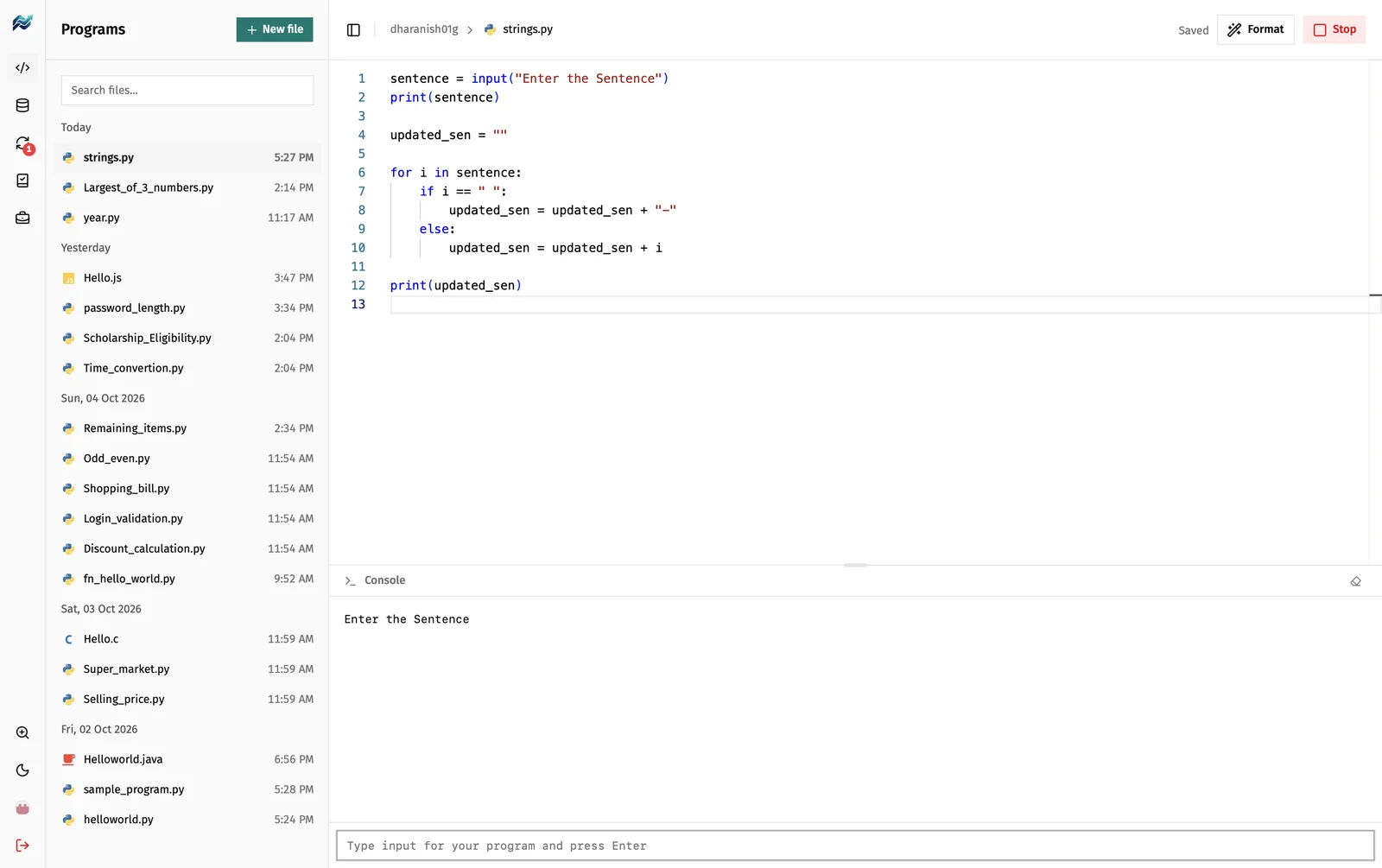
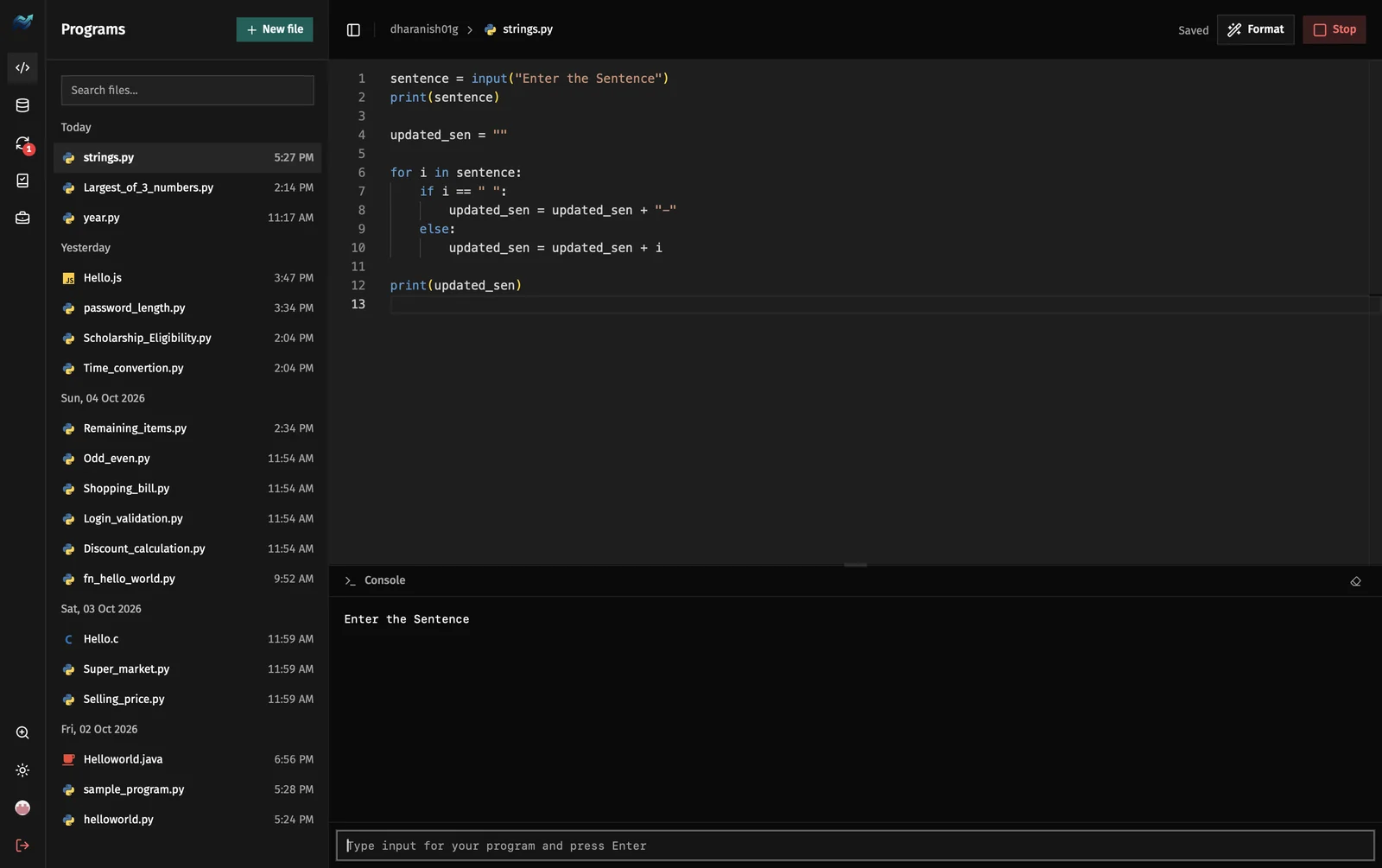
One click to set up a language
The first time you pick a language, PrepCode sets it up for you. After that it just runs.
.py.java.c.cpp.go.sqlComing next .NET, Rust, PHP and more. The list keeps growing.
Your progress, always in view
PrepCode keeps track of what you’ve done, so you can see how far you’ve come.
Every program, by day
Your files are grouped under Today, Yesterday and each earlier date, with the time you last worked on them.
Synced to GitHub
A badge on Sync shows how many programs are waiting to be saved. Sync them and your work is on your GitHub.
Practice by category
Work through job-prep questions one category at a time, and see how many each category has.
Five areas, one sidebar
PrepCode has five areas. Switch between them from the sidebar without leaving the app.
Programs
Write and run programs in a full code editor. Output appears in the console under your code.
- Saves as you type, including when you’re offline
- Keeps a history of each file
- Formats Python, C, C++ and Go with one command
- Zooms like VS Code
Database
Write MySQL files and run them. Every statement’s result shows under the editor.
- One result per statement
- Shows the line it came from and how long it took
Sync
Sign in with GitHub and keep your programs there, so they’re safe if you change computers.
Practice
Pick a job-prep category and work through its questions.
Jobs
Search openings, including Indian jobs grouped by engineering branch.
Coming for colleges
Student features are ready today. Next, colleges will be able to manage their students and see how each one is performing.
- Student management Coming soon
- Student performance reports Coming soon
- Test scheduling and question banks Coming soon
- AI assistant and code visualiser Coming soon
Download PrepCode
Pick the file for your computer. PrepCode updates itself: new versions install when you close the app.
Not sure which Mac you have? Open the Apple menu and choose About This Mac. Latest version: v0.0.15. All releases on GitHub.
Questions
Do I need an account?
No. Sign in with GitHub to save your progress and sync your programs, or continue as a guest. Guest files can be exported before you leave.
Does it work offline?
Programs save and open offline. Signing in, Sync, Practice and Jobs need an internet connection.
Why can’t I copy or paste in the editor?
Copy, paste and right-click are turned off in the code editors, so practice means typing the code yourself.
Is PrepCode open source?
Yes. It’s licensed under GPL-3.0 and the code is on GitHub.
Which languages are coming?
.NET, Rust and PHP are planned next, with more to follow. Today PrepCode runs Python, Java, C, C++, Go and MySQL.
Which computers does it run on?
Windows, macOS (Apple Silicon and Intel) and Linux (AppImage, .deb and .rpm).
Is there a version for colleges?
College plans for student management and student performance reports are in development. See pricing to join the waitlist.